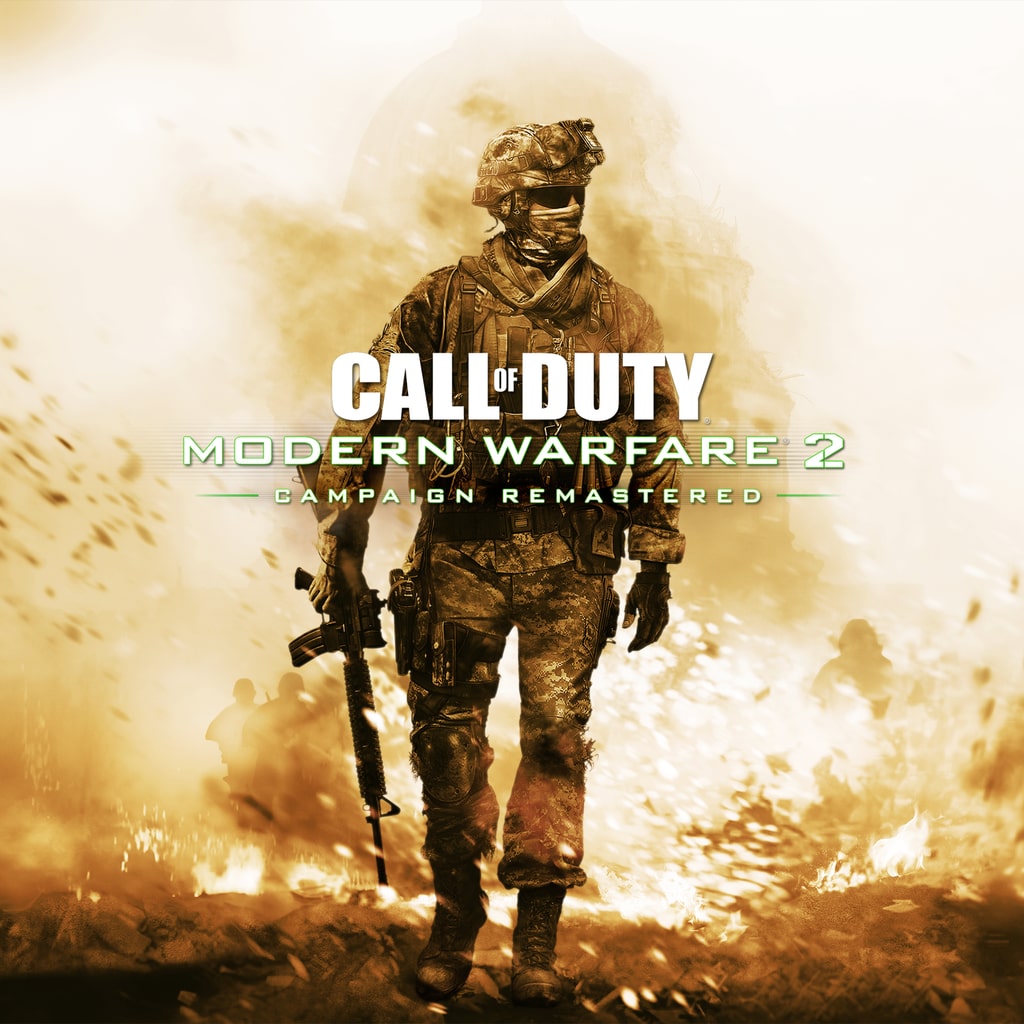

Call of Duty: Modern Warfare 2 (2009) brings Task Force 141's high-stakes global operations to mobile devices, delivering fast-paced first-person gunplay, tactical combat, and action-packed missions.
Introduce about Call of Duty: Modern Warfare 2 (2009)
Call of Duty: Modern Warfare 2 (2009) follows Task Force 141 and allied units across global hotspots in an escalating military conflict. Known for its responsive shooting mechanics, memorable missions, and cinematic set pieces, the game remains a standout military shooter.
What is Call of Duty: Modern Warfare 2 (2009)?
Call of Duty: Modern Warfare 2 (2009) is a military first-person shooter featuring campaign and special operations missions with options such as Unlimited Health, Unlimited Ammo, No Reload, All Weapons Unlocked, and All Missions Unlocked.
Download Call of Duty: Modern Warfare 2 (2009) APK for Android
Download Call of Duty: Modern Warfare 2 (2009) for devices running Android 8.0+ with a file size of 10 MB / 5.14 GB (Full Port). Check your available storage and device requirements before installing and launching the game.
Available Versions of Call of Duty: Modern Warfare 2 (2009)
Use the download links above to download version 0.1.0-alpha.13 of Call of Duty: Modern Warfare 2 (2009) and make sure your device supports Android 8.0+ with enough free space for 10 MB / 5.14 GB (Full Port).